











The PMBet mobile application offers Tanzanian users a fast and convenient way to place sports bets, play casino games, and manage their accounts directly from a smartphone. The app is designed for Android devices via APK installation and supports iOS through mobile browser access. Players can use live betting, quick deposits, notifications, and account management without needing a desktop computer.
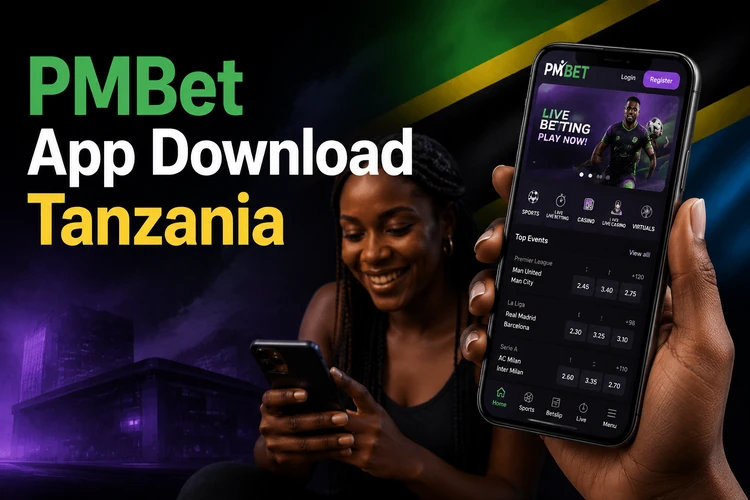
The mobile platform mirrors the desktop experience while adding features suited to smaller screens. Notifications can help users follow match results, bonus updates, and account activity. Navigation is simplified, with fewer taps needed to reach the betslip, account balance, live events, and casino categories.
Why Players Choose the PMBet App
Speed is one of the main advantages. The app loads events and markets faster than many browser sessions, which matters during live betting when odds can change within seconds. Users can move from a match page to the betslip quickly and confirm a wager without reopening several tabs.
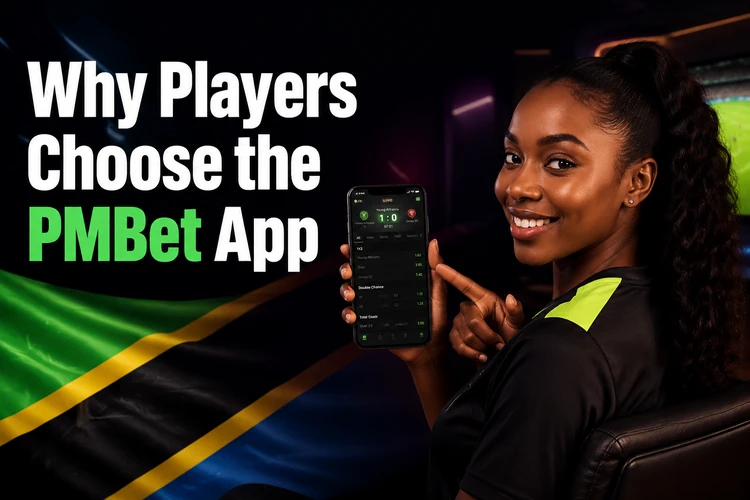
The interface is built specifically for mobile use. Menus collapse into easy-to-reach sections, and frequently used features like betslip, account balance, and live events are available from the main screen. On supported devices, saved credentials or biometric unlocking can reduce repeated typing, but users should still protect the phone with a strong screen lock.
Security features include encrypted data transmission and session controls that may sign users out after inactivity. Account verification and responsible gambling tools are available from account settings, so players can review limits, personal details, and security options from the same device.
How to Download the PMBet App
Android users download the app as an APK file from the PMBet website. The file may not be available in the Google Play Store because real-money gambling apps are restricted in many regions. Before downloading, check that the phone has enough free storage and a stable internet connection.
Open the official site in your mobile browser, find the app download area, and tap the Android download button. The APK file should appear in the notification tray or Downloads folder. If the connection drops, delete the incomplete file before starting again, because a damaged installer can fail later.
iOS users cannot install a native APK file. Instead, they can add a web app shortcut to the home screen. Open Safari, go to the PMBet site, tap the share icon, and select 'Add to Home Screen.' This creates an icon that launches the mobile site in a cleaner browser window.
Installing the APK on Android
After the APK download completes, open your device settings and navigate to Security or Privacy settings. Enable the option labelled 'Install from Unknown Sources' or 'Allow from this source' for your browser. Newer Android versions usually ask for this permission only for the app that downloaded the file.
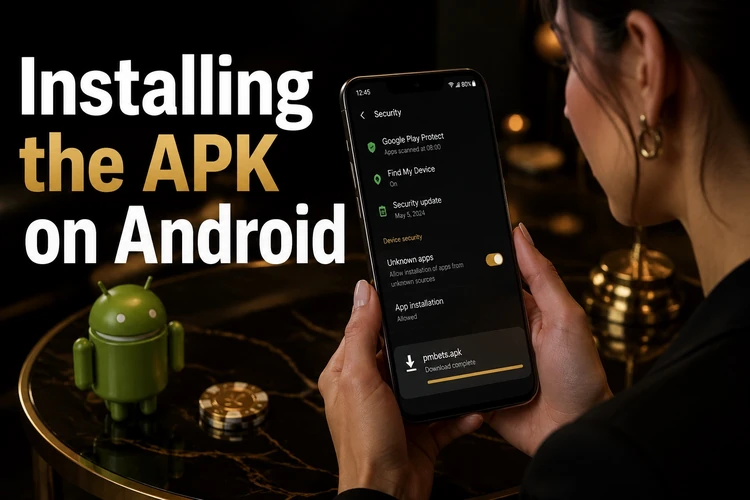
Locate the downloaded APK file in your Downloads folder or notification tray. Tap the file to launch the installer. Review the permissions requested by the app, such as internet access, storage access, and notifications. Tap 'Install' only if the file name and source match what you intended to download.
Installation usually takes less than a minute. Once complete, tap 'Open' to launch the app, or find the PMBet icon in your app drawer. If you already have an account, log in with your existing credentials. New users can register in the app by entering personal details, a phone number, and a secure password.
Using PMBet on iOS Devices
iPhone and iPad users access PMBet through the mobile-optimized website rather than a standalone app. The mobile site adapts to iOS screen sizes and supports touch gestures for navigation. Safari is the recommended browser for the smoothest shortcut experience, though other modern browsers can also open the site.
To improve access speed, add the site to your home screen. Open Safari, visit the PMBet site, tap the share button at the bottom of the screen, scroll down, and select 'Add to Home Screen.' Choose a clear name for the shortcut and tap 'Add.' The icon appears on your home screen alongside native apps.
The web app loads without browser toolbars, creating an app-like experience. Sports betting, casino games, account deposits, and withdrawals remain available through this method. Updates happen automatically when the site is opened, so iOS users do not need to install APK updates manually.
Keeping the App Updated
Android users should check for updates regularly to access new features, security patches, and performance improvements. The app may display a notification when a new version is available. You can also compare the version number in the app settings with the current file offered on the website.
To update, download the latest APK file and install it over the existing app. Your login credentials, betting history, and account balance should remain linked to your account during the update. The process is the same as the initial installation: allow the installer if prompted, tap the APK file, and follow the on-screen steps.
Older versions may lose compatibility with the platform over time. If you notice login errors, missing features, or repeated crashes, updating is usually the first practical fix. Avoid installing old APK files from file-sharing sites, because modified packages can expose account data or fail during verification.
App Features and Functionality
The PMBet app provides access to the main betting markets and casino games available on the desktop site. The sports section covers football, basketball, tennis, cricket, and other popular sports, with pre-match and live betting options. Live events display scores and statistics that help users follow in-play markets.
Casino players can explore slots, table games, and live dealer games directly from the app. Live casino tables stream video from studio environments, where dealers run games such as blackjack, roulette, and baccarat. Game filters help users sort by provider, game type, or popularity.
Account management tools include deposit and withdrawal screens, transaction history, bonus tracking, and personal information settings. Users can set deposit limits, take breaks from betting, or review safer-play options through the responsible gambling section. The app supports the same core account functions as the website, including payment requests and profile updates.
Troubleshooting Installation Issues
If the APK file does not install, check that installation from your browser is allowed in the device settings. Some Android versions require permission on a per-app basis, so the setting may be under the browser name rather than a general security menu. If the file appears corrupted, delete it and download a fresh copy.
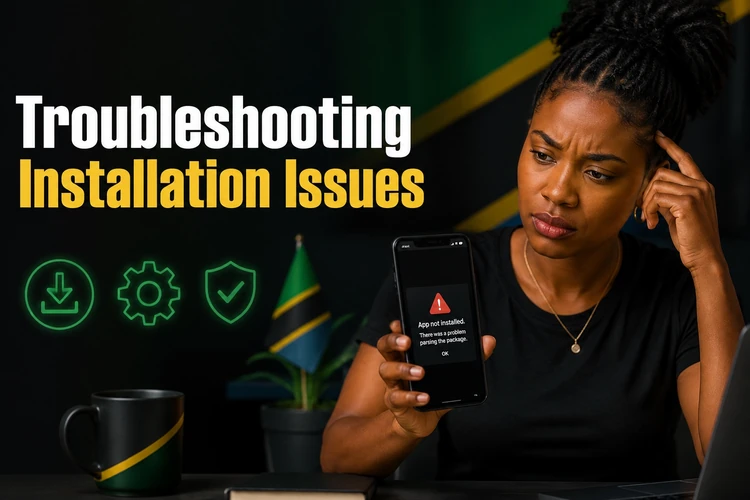
Installation failures can also occur when storage space is low. Free up at least 150 MB by deleting unused apps, clearing cache data, or moving photos and videos to cloud storage. Restart the device before trying again, especially if several failed installs are still pending in the background.
When the app crashes on launch or during use, verify that your Android version meets the minimum requirement stated on the download page. Clear the app cache and data from Settings > Apps > PMBet > Storage. If crashes continue, uninstall the app and reinstall it using the latest APK file.
Login problems usually come from incorrect credentials, expired sessions, or network issues. Use the password reset feature if you cannot remember your details. Switch between Wi-Fi and mobile data to test the connection. For further assistance, contact PMBet support with the error message, device model, and Android version.
FAQ
Android users download the APK file from the PMBet website. iOS users access the mobile site and can add a home screen shortcut through Safari's share menu.
It is safest when the file comes from the official PMBet source. Avoid APK files shared through forums or file-hosting sites, because they may be outdated, modified, or incomplete.
Yes. Your PMBet account works across mobile and desktop access. Log in with the same credentials, and your balance, betting history, and eligible bonuses remain tied to the account.
Allow installation from your browser in Android settings, check that you have enough storage, and download the APK again if the first file failed or stopped midway.
Download the new APK file from the PMBet website and install it over the existing app. Your account data should remain available after you log in again.
No. Existing users can log in with their current username or phone number and password. Only new users need to create an account and complete the required verification steps.